I thought it would be fun to try creating an AI version of myself and make her speak about my career! To do this, there are steps I must take:
Design a consistent AI identity Instead of recreating my real appearance, I decided to build a slightly idealized professional version of myself that can be reused across different media. The goal is to keep the face, style, and atmosphere consistent across images and videos.
Generate a base image dataset I first need to create multiple images of the same synthetic person under different angles, expressions, and lighting conditions. These images will act as reference material to keep the identity stable.
Train or lock the identity for reuse Using fine-tuning or identity-locking techniques, the model can reproduce the same character repeatedly instead of generating a different person each time. This step is essential for long-term reuse.
Establish a prompt and style standard Consistent camera angles, lighting, and styling help avoid identity drift. By defining reusable prompts and style rules, future content remains visually coherent.
Create talking-head videos Once the image identity is stable, the next step is generating videos where the AI version of me speaks. This involves voice synthesis and lip-sync generation.
Automate content generation Eventually, I want to automate parts of the workflow so new introduction videos, portfolio updates, or project explanations can be generated quickly.
Iterate and improve This project is not only about producing images or videos, but also about building a repeatable pipeline. Over time, I plan to improve realism, automation, and personalization.
Honestly, 7 steps are way too long for me.
I am going to wing it to see if I can do it in an easier way 😅
Design an AI identity and Generate a base image dataset
First, I need to create an AI character.
After that, I will generate around 50 images with different angles based on the picture I like.
I am using OpenArt for this, since I already have a subscription.
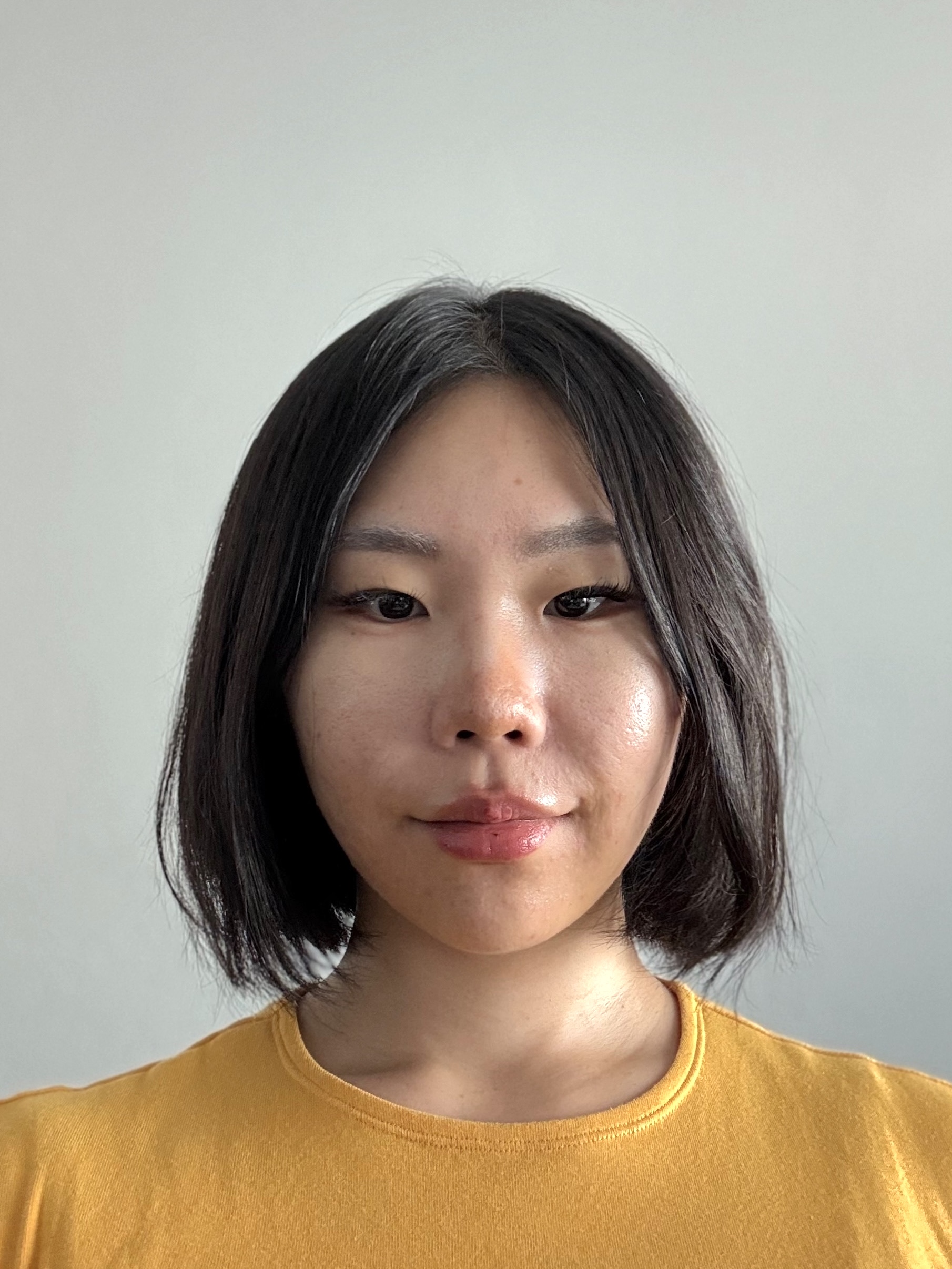
I added my profile photo, a full-body picture, and a side view of my face as references.
This is the main photo I uploaded:
This is the result:
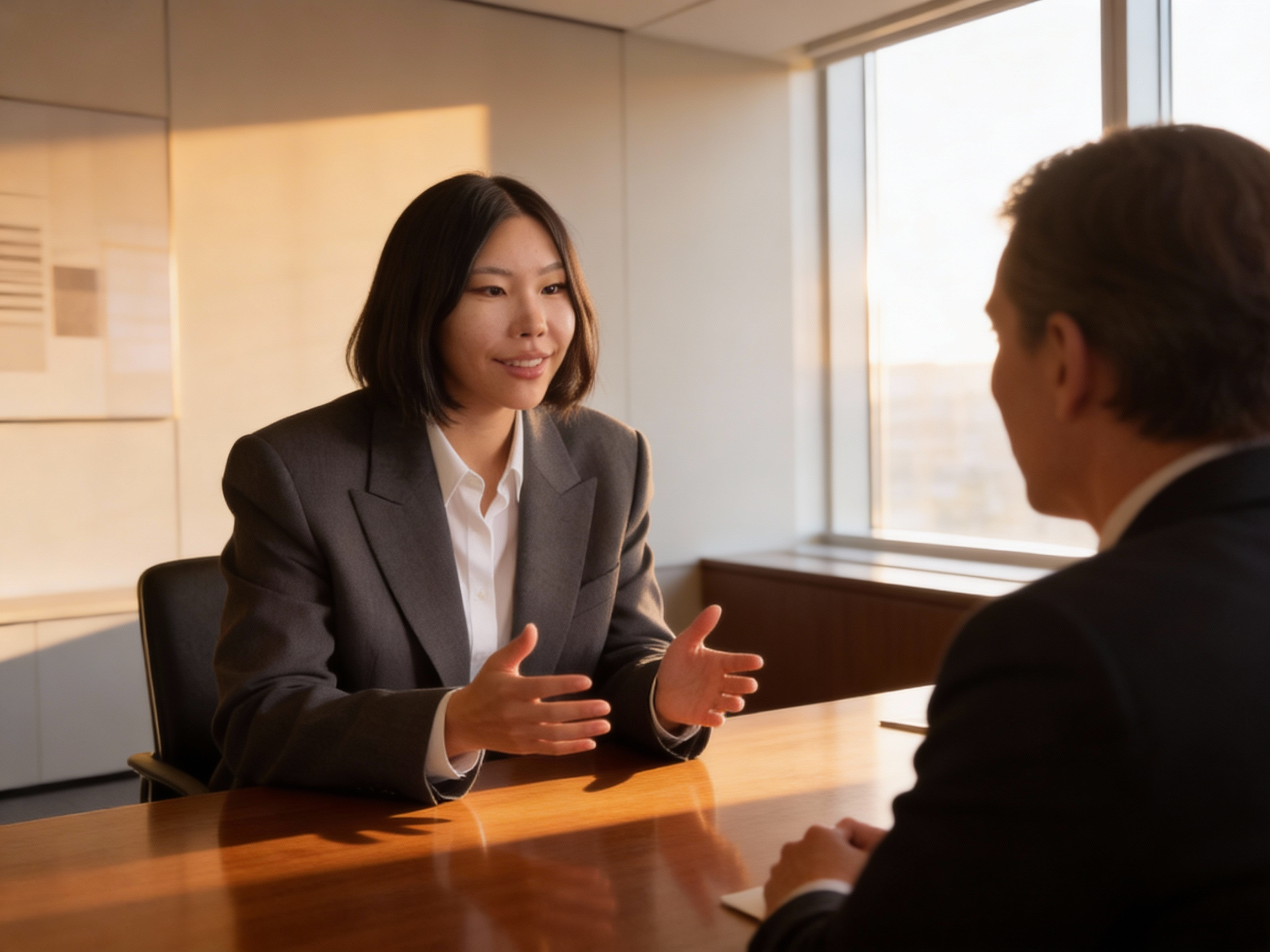
I think it looks ridiculous, with an unnatural look around my mouth 🤣
I fixed that using Gemini, and the final result is this: It is much more natural!
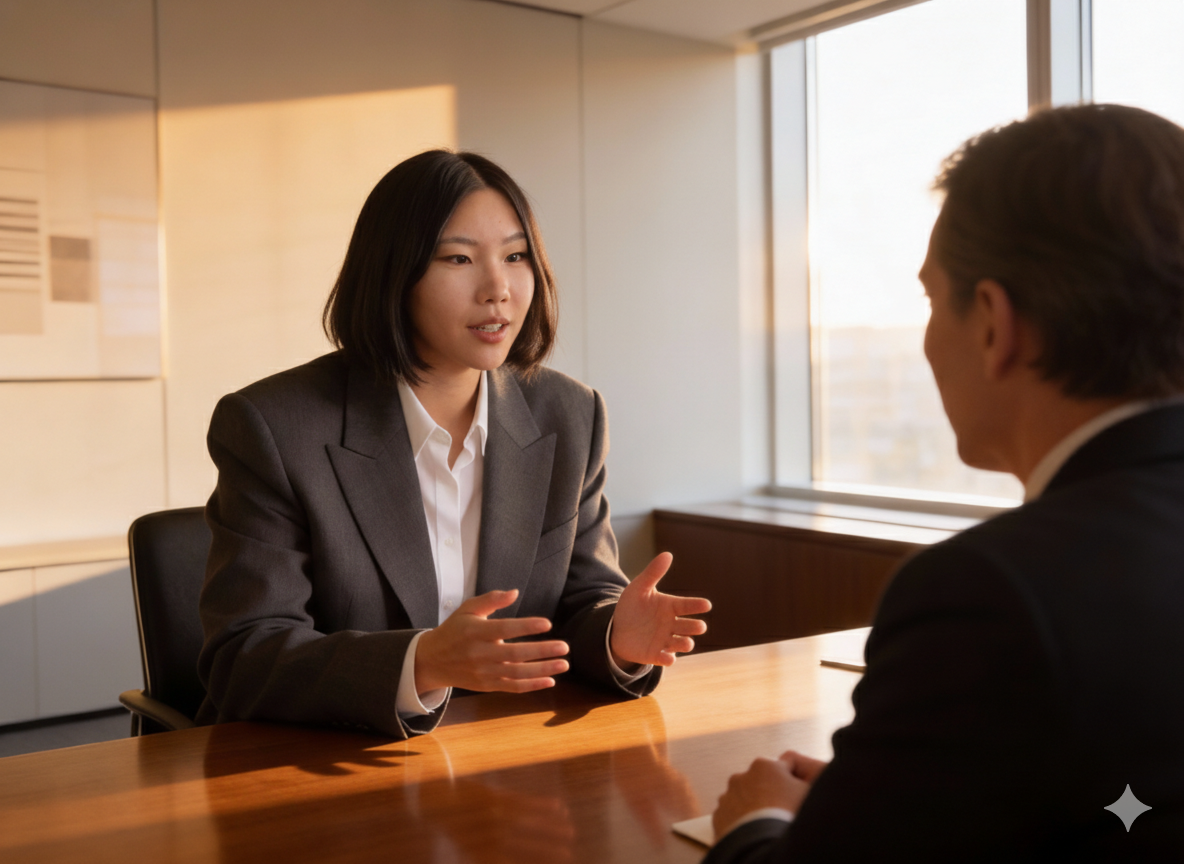
I am going to go with this, It’s not perfect but it’s okay enough for now.
Now it is more exciting part; creating different images based on this picture!
Wow, AI really beutifies a person.
I have no problem with that!
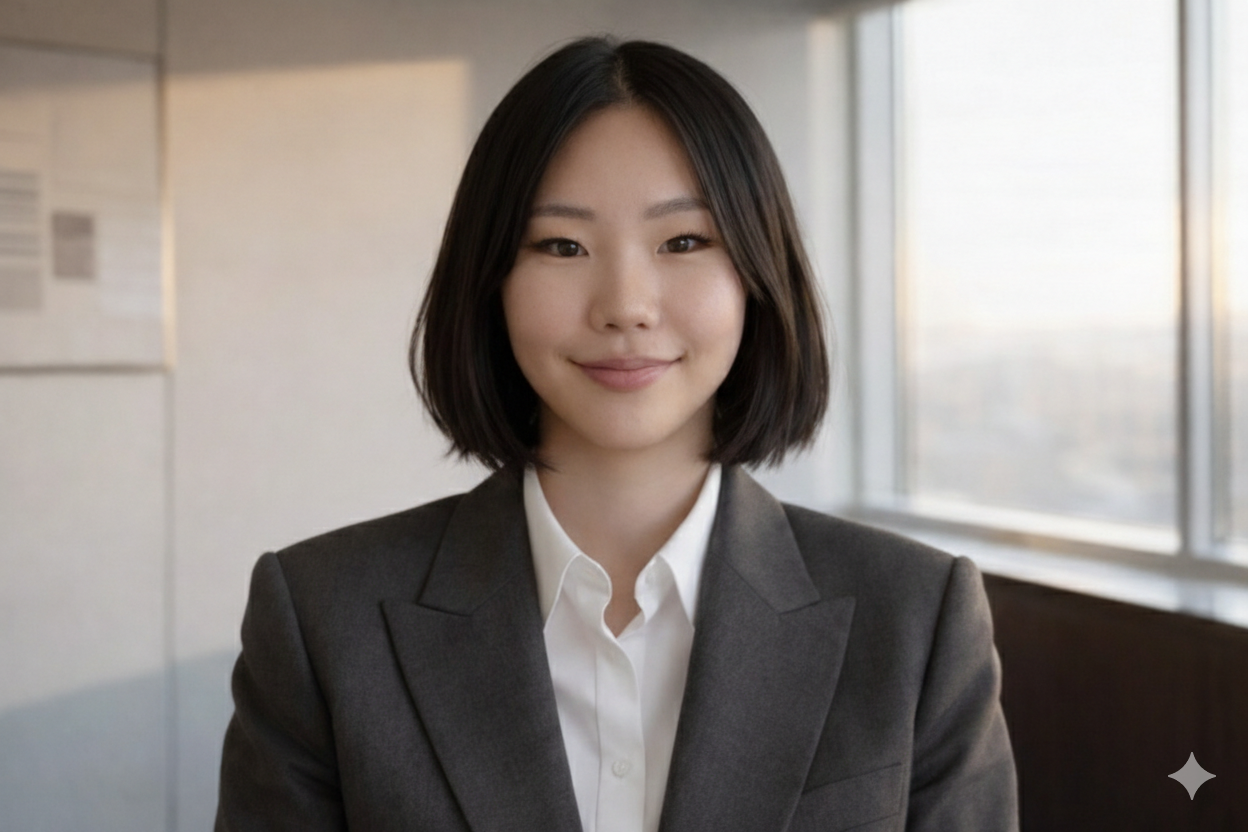
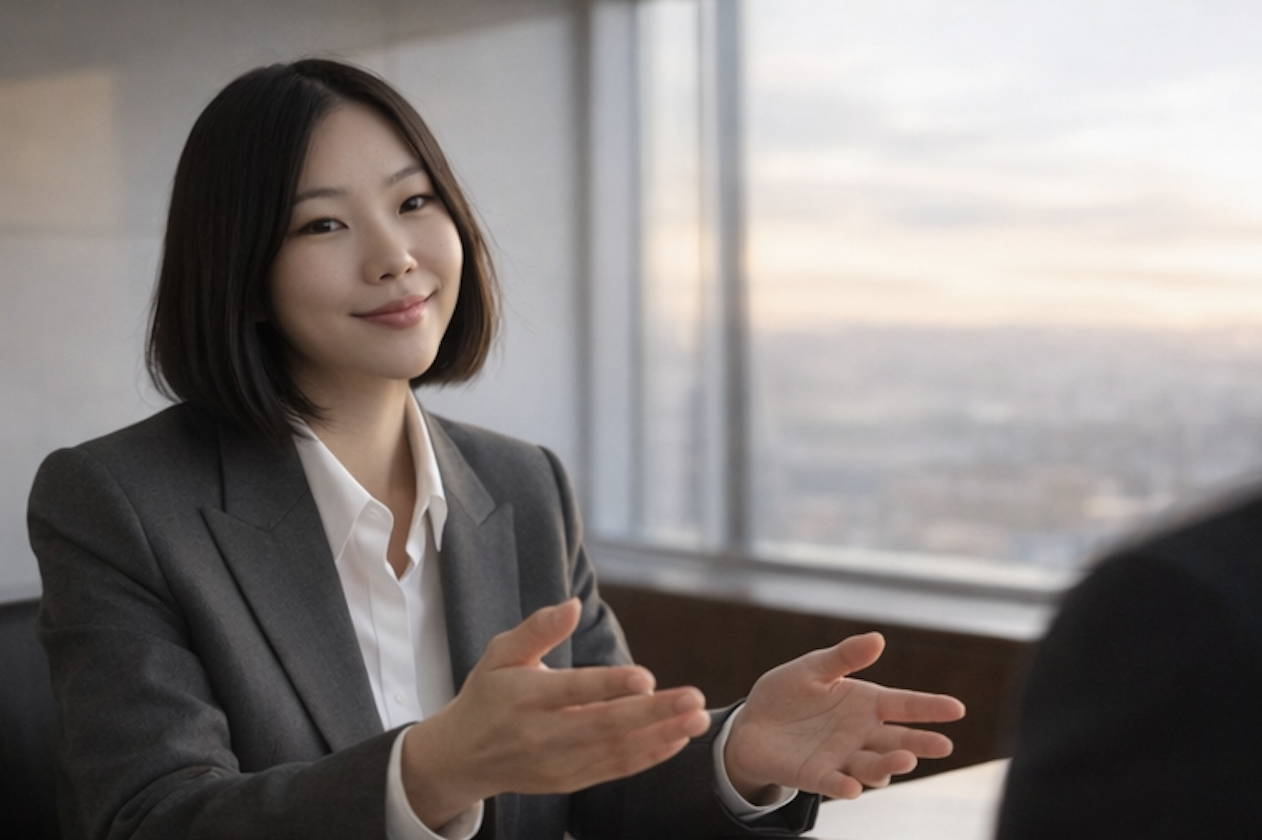
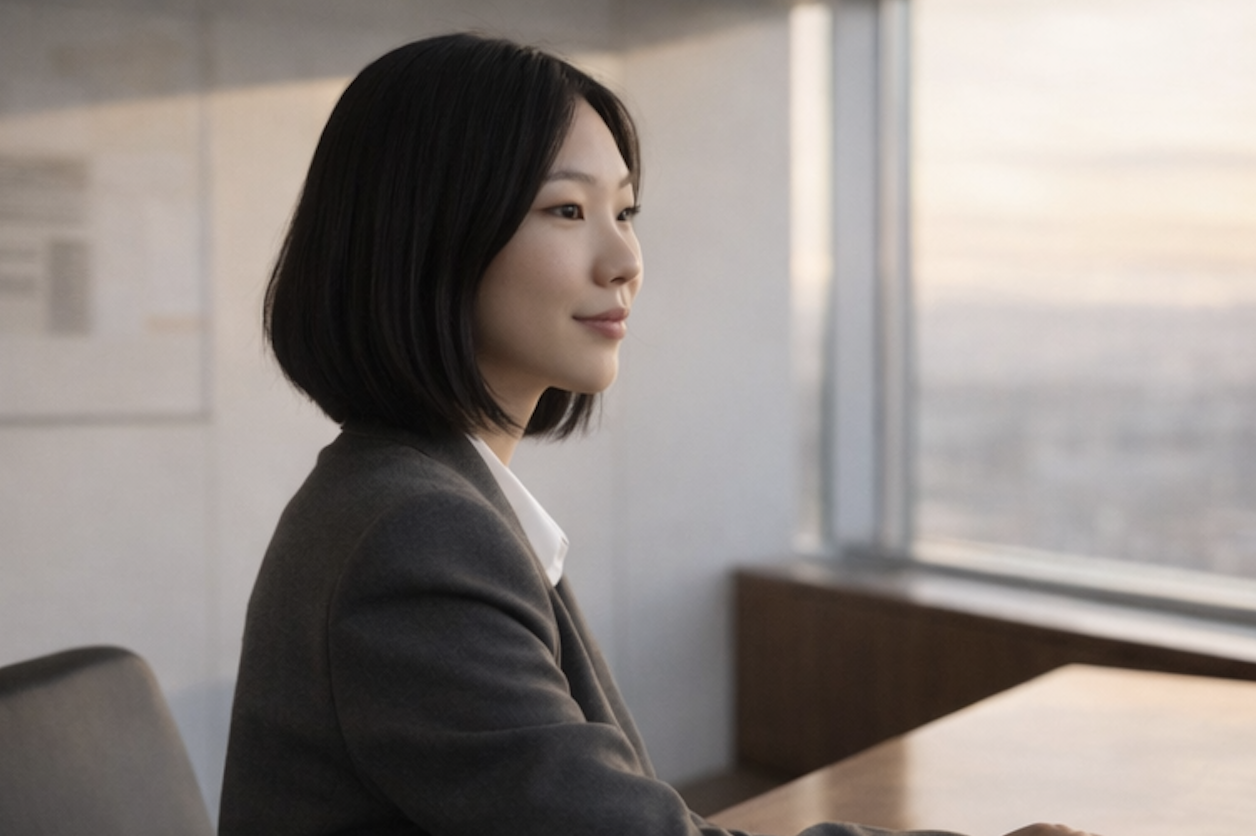
Okay, now that I have decent amount of character images, now it is time to feed it to AI so it can produce videos!
Create a video from images
Take a look at this video!
It looks far better than I thought it would turn out, considering the amount of time I have invested in this.
The service I chose was EaseMate AI, I only chose this because it was free of charge.
If you already have a subscription somewhere, this must have been much easier for you!!
After choosing a service, video generation was pretty easy.
Like what you do with ChatGPT, create a prompt and wait.
Turn static image into dynamic video
The only thing I have left to do is to dub the audio to video and that's it.
I will finish in the next article ☺️